Everything the office needs.
Documents and spreadsheets, company email, chat and video calls, sign-offs on invoices and requests, bookkeeping, a place for clients to log in, and an AI helper.
HRBR runs the office software a company works in all day — documents, email, chat and calls, sign-offs, bookkeeping — and looks after it, so nobody in the office has to. These shared workspaces run on Melusina, the operating system used across the portfolio.
A company picks up one tool for documents, another for email, another for chat, another for the books. Each has its own logins and its own list of who may see what. People join and leave, and soon nobody is sure who still has a way in. The company’s working life ends up spread across places it does not control.
One set of office software, run for you, and still yours.
Documents and spreadsheets, company email, chat and video calls, sign-offs on invoices and requests, bookkeeping, a place for clients to log in, and an AI helper.
We set it up, keep it running, keep it up to date and keep safe copies. Your people get on with the work.
Every item keeps one owner inside your company. And because it is the same software either way, you can move it onto your own machines whenever you choose.
The office runs on Melusina, the same software behind the other businesses. So the record from the day the company was formed, its payments and its investors all sit alongside its daily work.
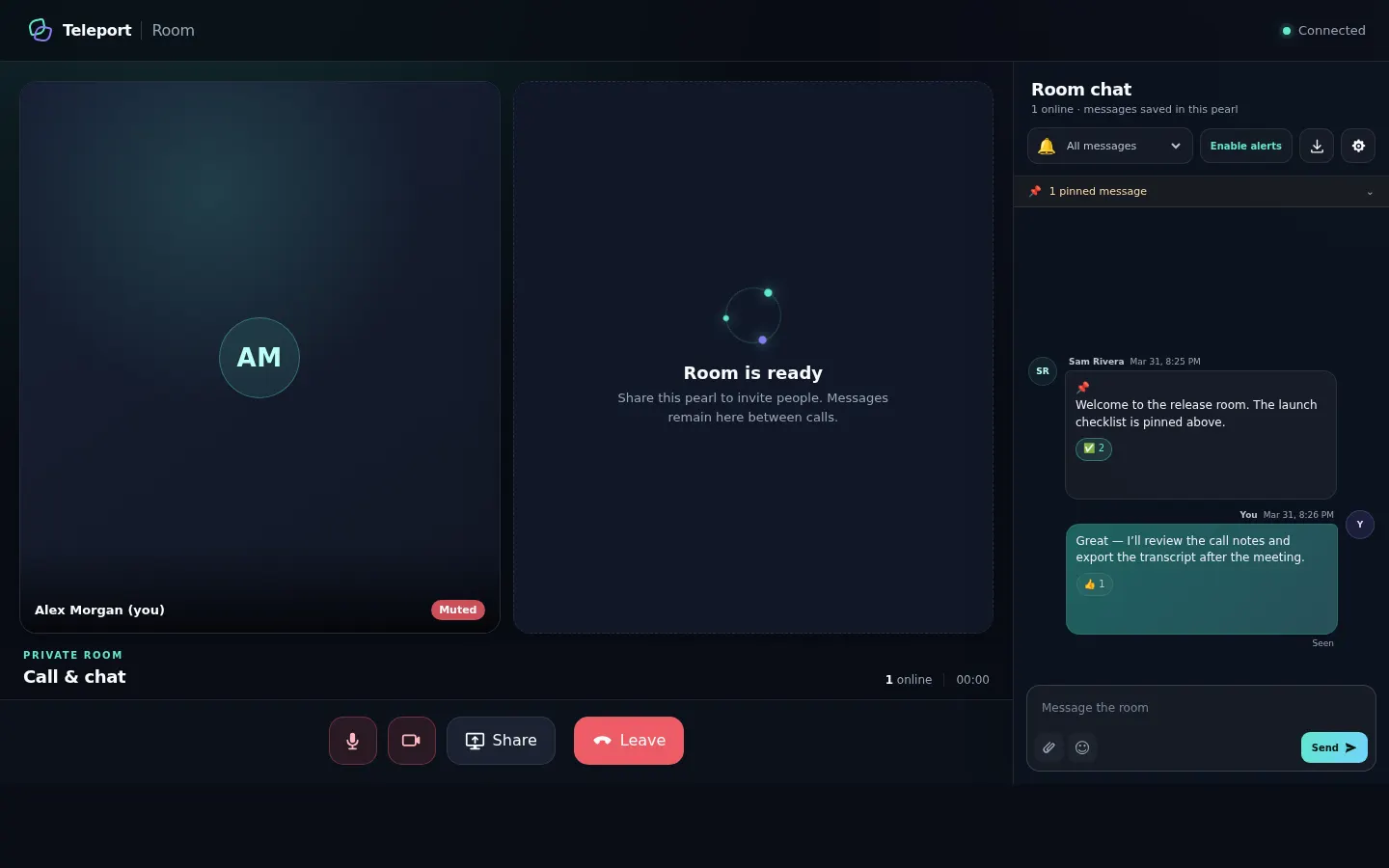
Meet, talk and keep the record — every room with one owner inside your company.
A meeting room for the team and its clients, with the conversation kept beside it.
 See it full size ↗
Workspace permissions restrict ordinary access. Choose the hosting and encryption arrangement appropriate for your data. Operating the host and owning a workspace are separate responsibilities.
Yes. It is the same software. Run it on a machine you own, or have us run it, and move from one to the other when you choose.
Only what someone hands it. You choose whether it runs on your own machines or uses an outside AI service; if outside, what you hand it goes to that service.
You retain your records and the rights in your software license. A tested backup, the required keys and an agreed recovery process let you change operator or recover onto your own machines.
Tell us how many people work in your company and what they use now.
Tell us how many people work in your company and what they use now, and we will tell you what moving would take.